Why Do People Find My Restaurant on Google Maps but Not Visit?
A Google Maps view means someone saw your Business Profile. It does not mean they chose the restaurant, requested directions or visited.

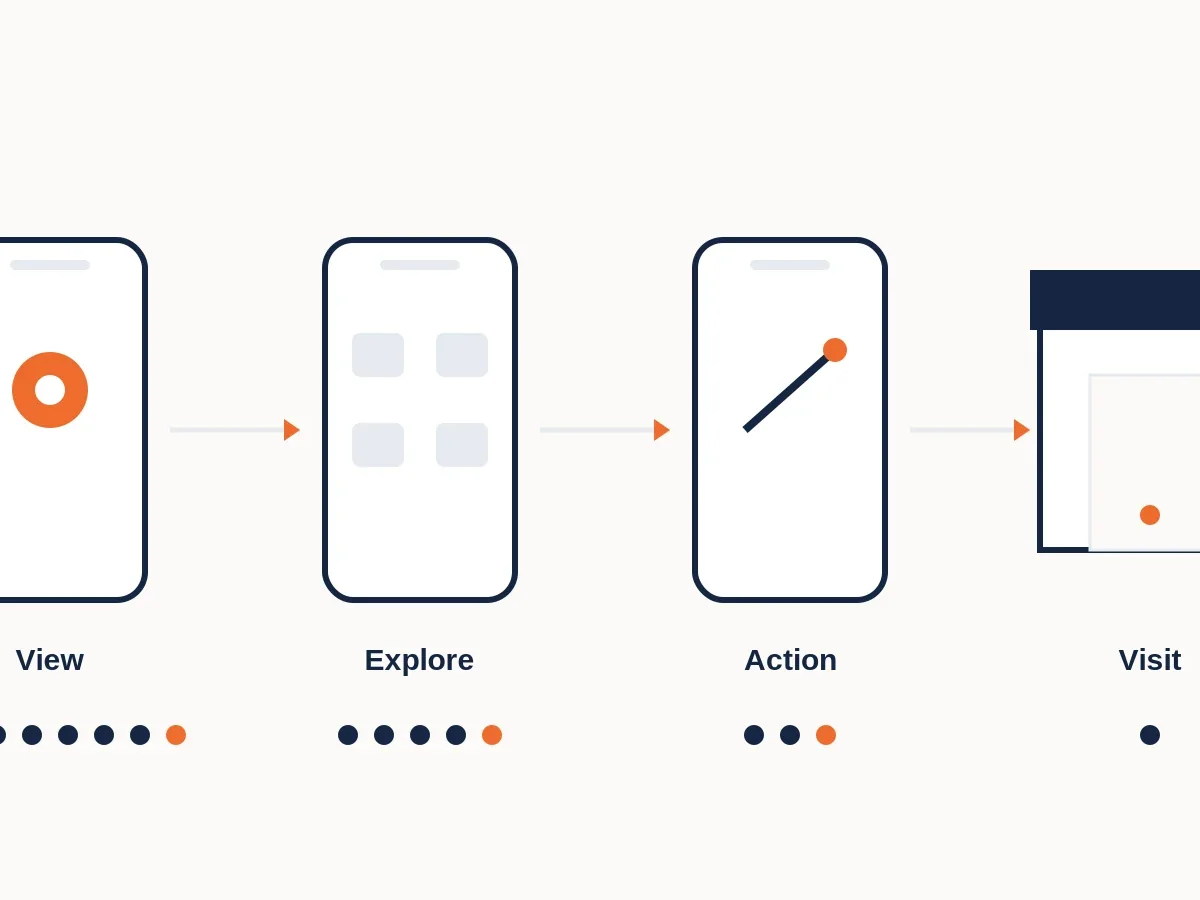
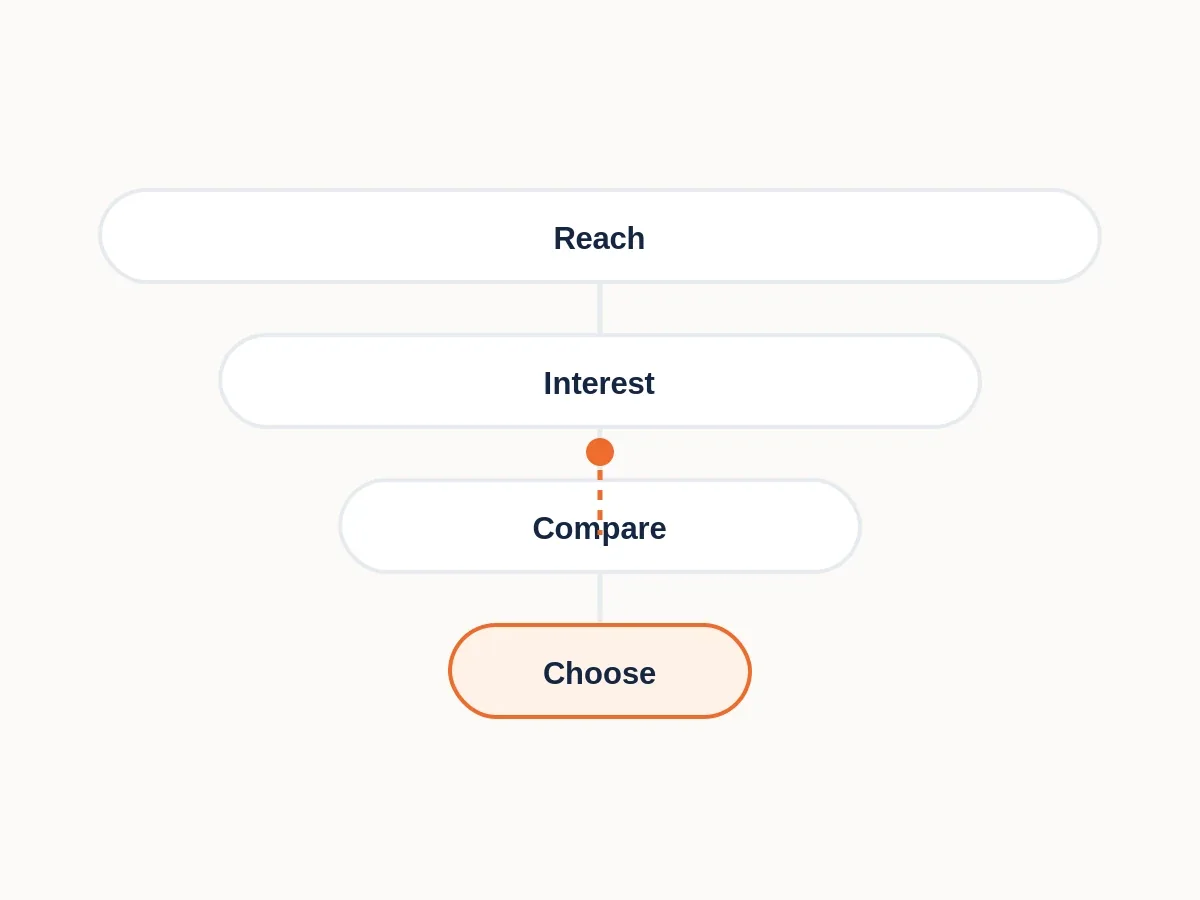
A Google Maps view only tells you that someone saw or opened the Business Profile. Between that view and an actual visit sit several decisions: menu, price, photos, reviews, distance, opening hours and competing options.
Healthy Maps visibility can therefore coexist with weak footfall. The useful question is where people stop after discovering you.
Google Maps visibility can be healthy while restaurant visits remain weak because viewing a Business Profile is only one step in the decision. Customers may check the menu, price, reviews, photos, distance, hours or alternatives and stop before taking an action that suggests stronger intent.
What a Google Business Profile view actually tells you
Google defines views as the number of people who viewed your Business Profile on Search and Maps, with limits on how often the same person is counted. It is a visibility metric for the profile, not a count of physical restaurant visits.
That distinction matters because restaurant owners can look at a high view number and assume demand should be high. In reality, the profile may be doing its job by getting considered while the customer decision is being lost afterwards.
Views can still be valuable. A rising profile-view trend can show growing discovery, while search-query data can reveal what language people use when the profile appears. The mistake is treating the visibility number as if it already contains the conversion decision.
Move from views to stronger actions
Google Business Profile performance can separately report searches, direction requests, calls, website clicks, bookings where supported and menu actions. These behaviours indicate deeper engagement than a view, although they still do not all prove a completed restaurant visit.
Compare these metrics over time. If views rise but directions, calls or menu actions do not, ask what customers see when they evaluate the profile. If both views and interactions rise but sales do not, the gap may be later in the journey or in attribution.
For example, if profile views rise 30% while direction requests, menu actions and website clicks remain flat, the restaurant has gained visibility without equivalent deeper engagement. That does not reveal the cause, but it tells you where to investigate next instead of assuming Maps “is working” or “is not working” as one binary judgement.
Business Profile views and customer interactions are reported as different metrics.
Google separates profile views from actions such as directions, calls, website clicks, bookings and menu interactions. That makes the gap between visibility and action measurable even though it still cannot reveal every offline customer decision.
Google Business Profile performance data is available to verified profiles and metrics vary by business. A direction request or menu click is still not the same as a completed restaurant visit.
Source: Google Business Profile Help, Understand your Business Profile performance & insights
Why customers may stop after finding you
The profile can reveal friction very quickly. Menu prices may be outside the expected range. Photos may not match the occasion. Recent reviews may create uncertainty. The location may look inconvenient. Opening hours may not fit. Parking may be unclear. Or another restaurant on the same results screen may simply look like a safer choice.
This is why “ranking higher on Maps” and “converting more customers” are related but different goals. Better visibility increases the number of opportunities to be chosen. It does not guarantee the decision.
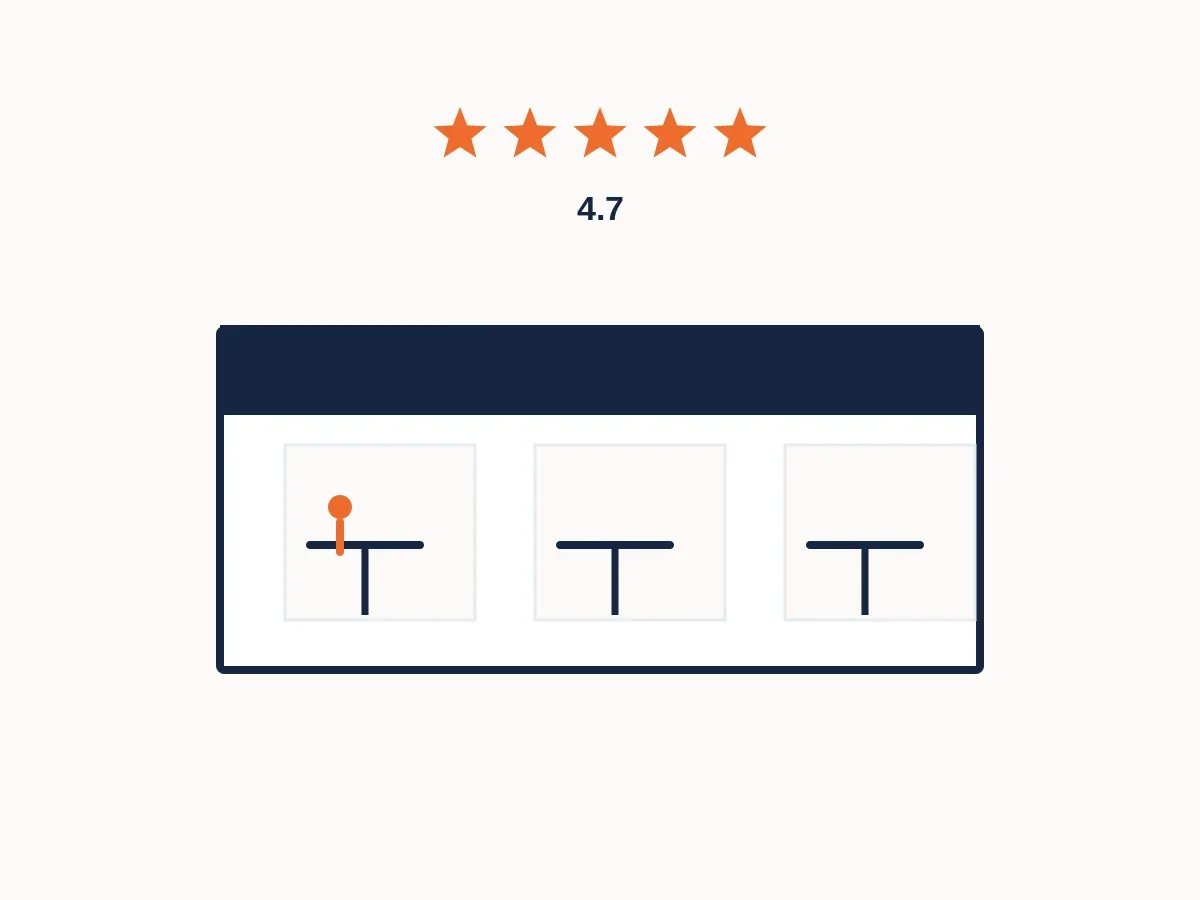
Also remember that the comparison happens on the results screen itself. The customer may never open your website. Ratings, review counts, photos, price cues, distance, business hours and competing profiles can shape the decision before a deeper interaction is recorded.
Do not optimise only for being seen. Look at what customers do after they find the restaurant.
How to diagnose Maps visibility without guessing
- Track views and search terms over time. Confirm whether visibility is actually growing among relevant searches.
- Compare interaction rates. Watch directions, calls, website clicks, bookings and menu actions where available.
- Audit the decision information. Check menu, prices, hours, photos, attributes, review recency and location details.
- Search like a customer. Examine the other restaurants appearing for the same need and area.
- Connect profile data to transactions. Use your own sales and reservation data to avoid treating platform interactions as completed visits.
Research notes & sourcesView sources
Sources and context
Google Business Profile Help, Understand your Business Profile performance & insights. These sources support the general explanation above. They do not diagnose any specific restaurant, and study findings should be interpreted within their sample, place and time period.
Understand what customers may be comparing after discovery.
ORBIT looks beyond profile visibility to the competitive and customer-choice context surrounding your specific restaurant.